
7 tips to get your guests to really join your album
You've created the event, set the cover and got the link. Now comes the most important part: getting your guests to use it. A shared album works when it's alive, and people are what bring it to life.
Here are seven tips, tested more by common sense than by theory.
1. Create the event early
Don't wait until the night before. Creating the album a few weeks ahead lets you set it up calmly and, above all, include the link in the invitation, when your guests are paying the most attention.
2. Pick a title and cover that make people want to join
"Emma & James's wedding – June 14" is clear. "Dad's 50th: every photo from the party!" is inviting. A nice cover image and a short, cheerful description make the difference between an invitation people ignore and one they open.
3. Explain what to do in one line
In the message with the link, say in one sentence what you'd like: "Tap the link and add your photos during the party: they'll all end up in our album." Add that there's nothing to install: photos can be uploaded from the browser, and with the app videos too. The fewer steps you describe, the more people give it a try.
4. Remind people the day before, and again during the party
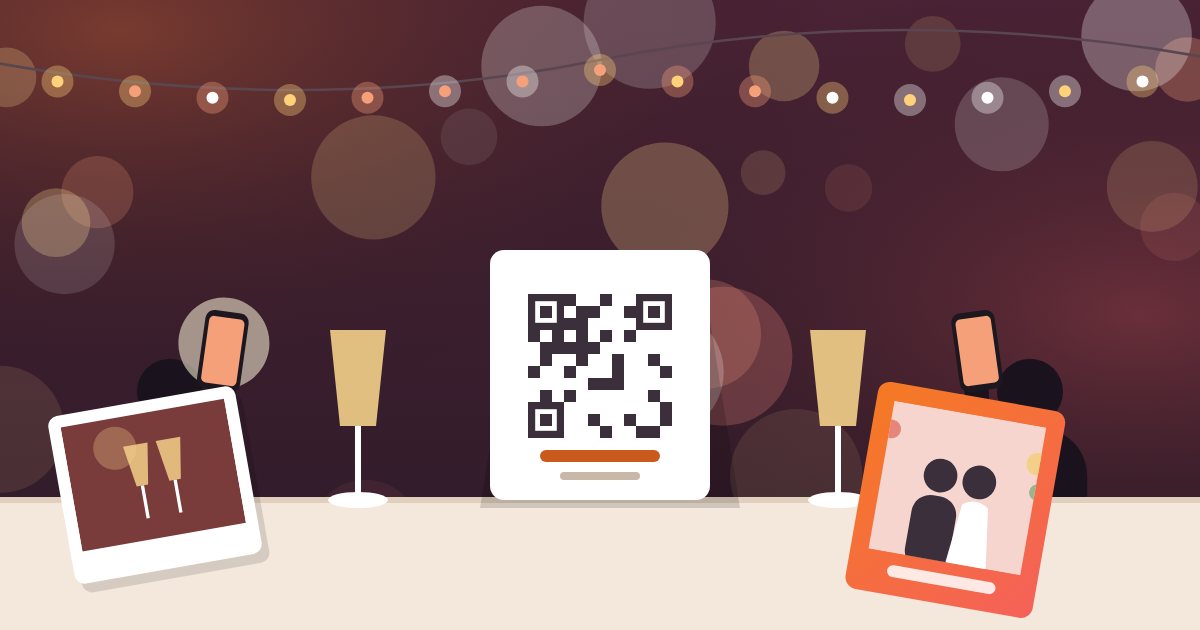
A message the day before with the link handy, and a casual announcement during the evening, maybe on the mic or from whoever is hosting, keep the album on everyone's mind. Even better if the tables have the QR code printed from the app: one scan and you're in the event.
5. Find two or three "ambassadors"
Every group has someone who loves taking photos. Ask two or three friends to lead the way: if the first photos show up early, everyone else feels invited to do the same. The first shot is always the hardest.
6. Run some little photo challenges
A bit of play helps. A few ideas:
- The funniest photo of your table.
- A selfie with someone you didn't know before tonight.
- The most beautiful detail in the room.
- A short video message for the hosts (up to one minute).
- The best candid shot of the night.
7. Use frames to set the tone
In the app you can add frames to your photos. They're a small ingredient that makes the pictures more consistent and more fun to take, and they give guests one more reason to open Atimora's camera.
And after the party?
The work doesn't stop when the evening does. The next day, open the gallery and look through it with your most involved guests: sharing the first photos on social media or in a thank-you message reminds everyone that the album exists and can still grow. Quite often someone adds their last photos right then, thinking back on the evening.
If you're planning a wedding, read also why you need your guests' photos.
"An album fills up when guests realize it's theirs too."